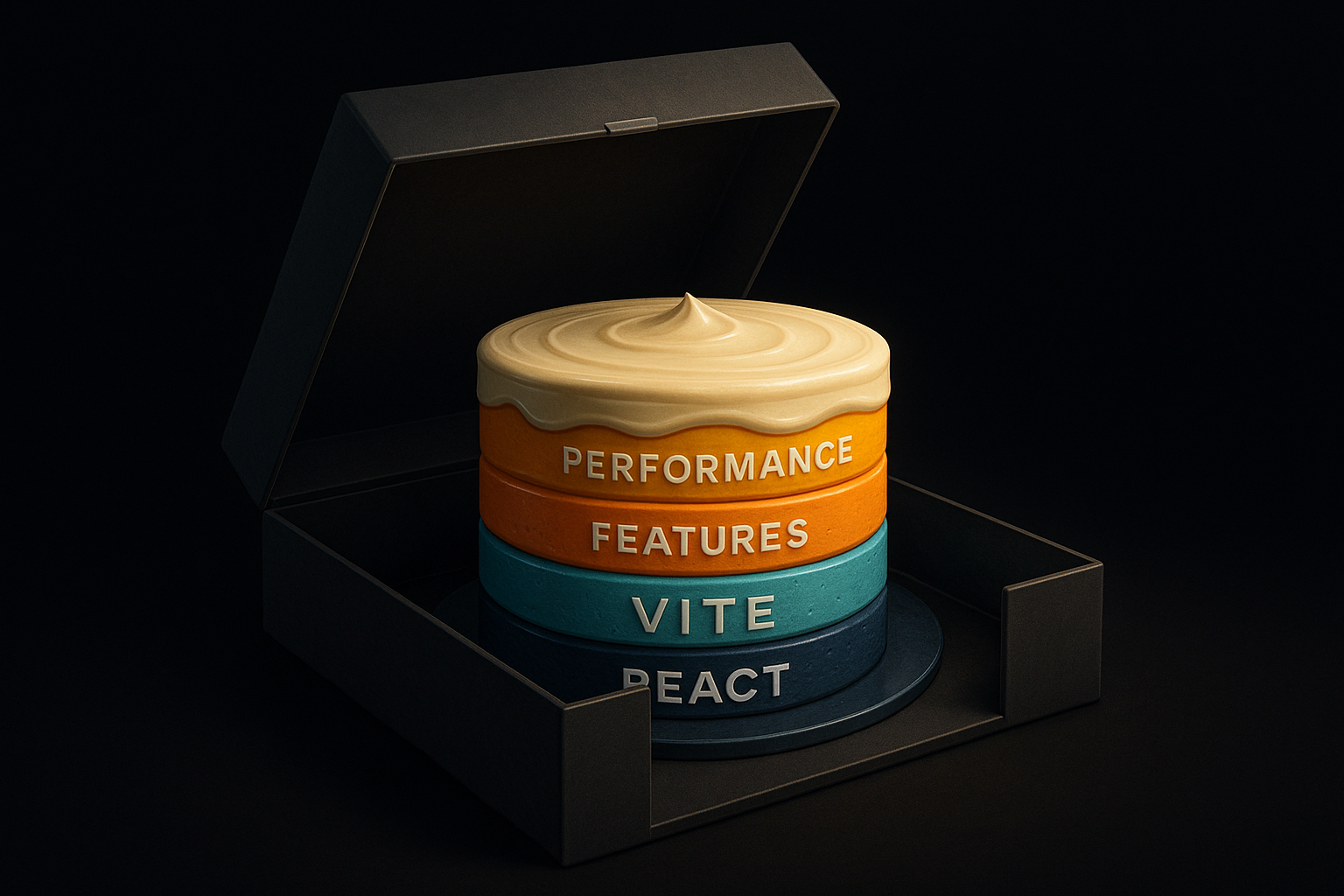
React Vite apps can achieve strong Core Web Vitals in 2026 if teams treat rendering as a primary architectural concern, not a checklist of Lighthouse tweaks. The critical difference is whether users see what matters first—or whether the build is fast, but the first impression is lost.
Vite speeds up builds, not visible start
A smaller Vite bundle does not guarantee a better Largest Contentful Paint if visibly relevant content only appears after JavaScript hydration. Build speed and render speed are fundamentally different: Vite delivers the ship to port quickly, but docking is still manual.
The browser measures experience, not your build speed.
A marketing team relaunches with Vite, but the hero section remains blank after first paint because all above-the-fold content waits for React to hydrate. CI looks fast, but real users stare at an empty shell. The failure occurs when key page sections are enabled only on the client, undermining every Lighthouse promise.
Core Web Vitals fail on the hydration gap
CLS and INP often degrade right after the first paint—because the transition from static markup to interactive UI stays unstable. The page seems ready, but responds slowly or shifts as soon as users interact.
- Hydrated components can retroactively shift buttons and badges.
- Fonts load asynchronously and push content down when they arrive.
- Interactive zones stay blocked until React’s state tree finishes.
In e-commerce grids, swapping skeletons to real content often shifts buttons or price labels—especially on slow devices.
LCP in React is rarely caused by the image alone
The biggest image rarely blocks the LCP—JavaScript usually does.
The popular advice 'lazy-load your hero image and your LCP will drop' is too shallow for React. Typically, a preload path waits on deferred JavaScript bundles, chart libraries, or third-party integrations before the image can even paint. As long as React's dependency chain blocks the visible chunk, image compression alone is irrelevant.
In a typical SaaS dashboard, the hero chart and product screenshot often appear only when date picker or analytics scripts finally load. The image leads the asset list—but is stuck in architectural traffic. Until content is prioritized above all other resources, image format or dimension optimizations don't actually help.
INP loss in React is about main-thread time, not clicks
Interaction to Next Paint (INP) degrades when render jobs compete for the main thread, delaying input or clicks. Here, overall architecture—rather than fine-tuned event handlers—determines speed.
- Heavy filter or sorting jobs run synchronously with user input.
- Large virtual lists re-render fully on every typed character.
- Without useTransition or memoization, UI work blocks direct input.
If React’s priority mechanisms are misapplied, responsiveness suffers—even with fast APIs. useTransition, memo, and virtualization don’t perfect components; they protect the rhythm between user and interface.
Code splitting helps only if entry route is clean
Code splitting only improves Core Web Vitals if features are genuinely removed from the initial path. Syntax tricks with dynamic imports do nothing if shared dependencies are still imported eagerly.
- Shared UI components often get pulled into the main chunk.
- Eager prefetching of 'later' features punishes the first load.
- Business choices dictate what users actually need up-front.
In customer portals, the homepage pays for admin dialogs and analytics even before they're needed. Seeing code splitting as a tooling fix builds the bottleneck into the runtime.
Debugging starts not in Lighthouse, but in real user flows
Performance only truly improves when real usage traces are examined—not just lab scores. The gap between Lighthouse and field data is the biggest blind spot in the React Vite playbook.
Real-user monitoring and Chrome Performance panel show main-thread blocking and reflows where they occur in actual traffic, not in synthetic tests.
The best score doesn’t sell—the clearest measurement does.